
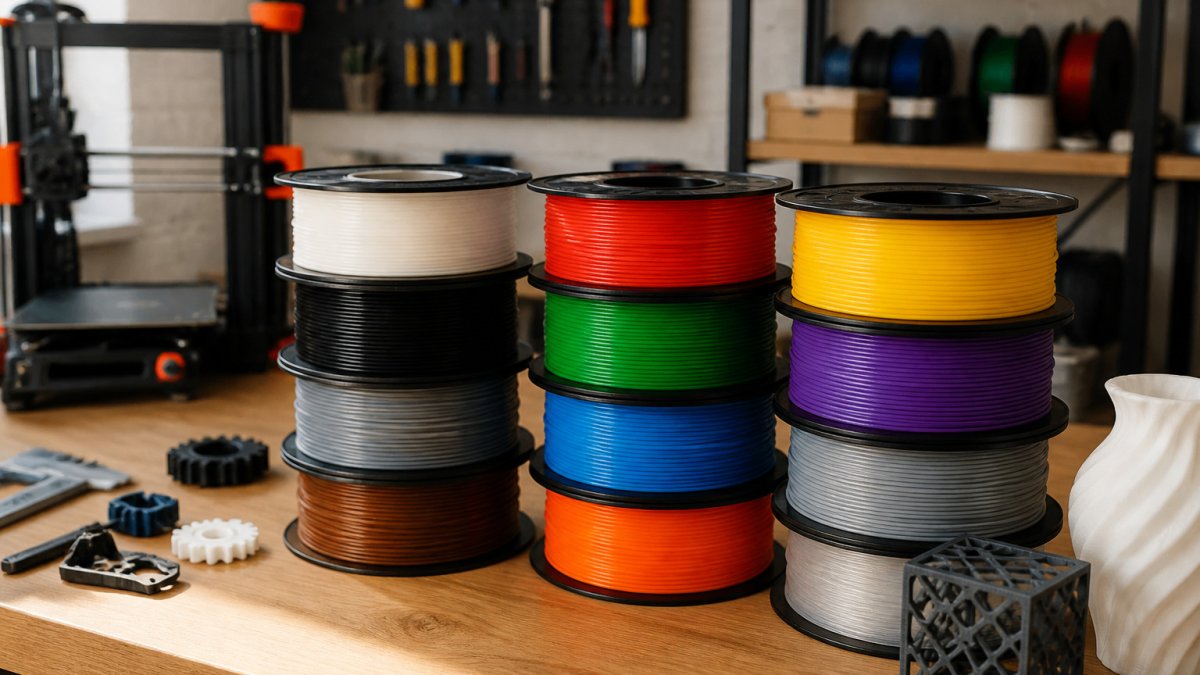
How to Choose the Right 3D Printer Filament as a Beginner
Last Updated: November 3, 2026
Quick Summary
For most beginners, PLA is the best 3D printer filament to start with because it prints at lower temperatures, sticks to a basic bed, and rarely warps. Match the material to your printer's temperature limits, your room's humidity and ventilation, and what the part must survive.
- PLA prints comfortably around 374-446°F (190-230°C) and needs little or no heated bed.
- Check the filament's minimum recommended temperature against your printer's maximum, not the middle of the range.
- Store unused spools sealed with desiccant, since wet filament causes popping and stringing.
- Print ABS only with ventilation, because it releases fumes and warps in drafts.
- Change one setting at a time when troubleshooting a failed first print.
Table of Contents
- Why Your First Filament Choice Matters
- 3D Printer Filament Types Chart: The Core Materials at a Glance
- 3D Printer Filament Types Pros and Cons for Beginners
- Best 3D Printer Filament for Beginners: Why PLA Usually Wins
- Matching Filament to Your Printer, Environment and Project
- Best 3D Printer Filament Types and Uses Compared
- Storage, Moisture, Safety and Your First-Print Checklist
- Order Your First Prototype Run From Alex 3D Print Us LLC
- Frequently Asked Questions
Why Your First Filament Choice Matters
Choosing the right 3D printer filament for beginners is the single decision that shapes your first month of printing.
A filament is the plastic spool your printer melts and lays down layer by layer. It sounds simple, but each material behaves differently when heated, cooled, and stored.
The good news is that you don't need a deep background in materials science.
3D Printer Filament Types Chart: The Core Materials at a Glance
Most beginners will encounter a handful of common 3D printer filament types. The table below summarizes what each one generally does well.
| Filament | Ease of Printing | Strength | Flexibility | Typical Use |
|---|---|---|---|---|
| PLA | Easiest | Moderate | Low | Models, display pieces, prototypes |
| PETG | Moderate | Good | Moderate | Functional parts, containers |
| TPU | Harder | Good | High | Gaskets, phone cases, grips |
| ABS | Harder | Good | Low | Heat-tolerant parts |
These ratings are general guidance. Your results depend on your printer, its enclosure, and the specific brand you buy.
3D Printer Filament Types Pros and Cons for Beginners
Every filament trades one strength for another. Knowing the trade-offs keeps you from buying the wrong spool.
- PLA pros: Easy to print, low odor, minimal warping.
- PLA cons: Softens at relatively low temperatures, so it fails in hot cars.
- PETG pros: Tougher than PLA, with better heat resistance.
Best 3D Printer Filament for Beginners: Why PLA Usually Wins
For most first-time users, PLA is the best 3D printer filament for beginners. It prints at lower temperatures, sticks to a basic bed, and rarely warps. That forgiving behavior means you spend less time troubleshooting and more time making parts.
A common mistake is jumping straight to a specialty material because it sounds more capable. Start with PLA, learn how your printer behaves, and then branch out.
PLA properties and typical uses
PLA, or polylactic acid, is a plant-based thermoplastic. It holds fine detail well and comes in many colors. Use it for:
- Display models and decorative pieces
- Fit-check prototypes
- Organizers and low-stress household items
Avoid PLA for parts that sit in direct sun, near heaters, or inside a hot car. It loses shape as temperatures rise.
When to step up to PETG, TPU or ABS
Move to another material when your project demands it:
- PETG: When you need a tougher part that handles some heat and moisture.
- TPU: When the part must flex, such as a grip or a bumper.
- ABS: When you need higher heat resistance and your setup has an enclosure and ventilation.
Matching Filament to Your Printer, Environment and Project
Your printer and your room matter as much as the material itself. Before you buy a spool, run through the four checks below in order. Each one can rule a filament out before you spend money on it.
1. Check the printer's hardware limits first
Start with the machine, because hardware caps what you can print no matter how good the filament is.
- Maximum nozzle temperature: Most entry-level FDM printers top out around 500°F (260°C). PLA prints comfortably around 374-446°F (190-230°C), PETG around 428-482°F (220-250°C), and ABS around 446-500°F (230-260°C). If a filament's recommended range sits at or above your printer's ceiling, skip it.
- Maximum bed temperature: PLA needs little or no heated bed (roughly 122-140°F / 50-60°C if your printer has one). PETG typically wants 158-176°F (70-80°C), and ABS wants 212-230°F (100-110°C). A printer without a heated bed is effectively a PLA machine.
- Enclosure: An open-frame printer exposes the part to room drafts. That is fine for PLA and usually workable for PETG, but ABS and other styrenic materials shrink as they cool and will lift off the bed or split between layers in moving air. Treat an enclosure as a prerequisite for ABS, not an upgrade.
Watch out: A filament can list a wide temperature range and still fail on your machine if the low end of that range is above your nozzle's safe maximum. Compare the filament's minimum recommended temperature to your printer's maximum, not the middle of the range.
2. Read your room, not just your printer
Filament absorbs moisture from the air, and ambient conditions change how a material behaves.
- Humidity: In a damp basement or a coastal climate, PLA and PETG can pick up enough moisture in days to cause popping, stringing, and weak layers. Dry storage is not optional there.
- Drafts and temperature swings: A printer near an air-conditioning vent, a window, or a garage door will warp ABS and even PETG. Move the printer to a stable corner before blaming the filament.
- Ventilation: PLA gives off little odor. ABS and other styrenic materials release fumes that most beginners should not breathe in a closed bedroom. If you cannot vent the room, rule those materials out.
3. Match the material to the project's real demands
Decide what the part must survive before you pick a spool. Ask four questions:
Upload your STL file for an instant quote →
- Will it sit outdoors or in a hot car? PLA softens well below dashboard temperatures and will sag. PETG or ABS is the safer choice.
- Will it take impact or repeated handling? PETG is tougher than PLA; TPU absorbs impact without cracking.
- Does it need to flex? Only TPU (or another flexible grade) will do.
4. Confirm the numbers before you buy
Read the spool label and the printer's listed temperature range side by side. Confirm the filament's recommended nozzle and bed temperatures fall inside what your printer can reach, and confirm the material suits your room and your part.
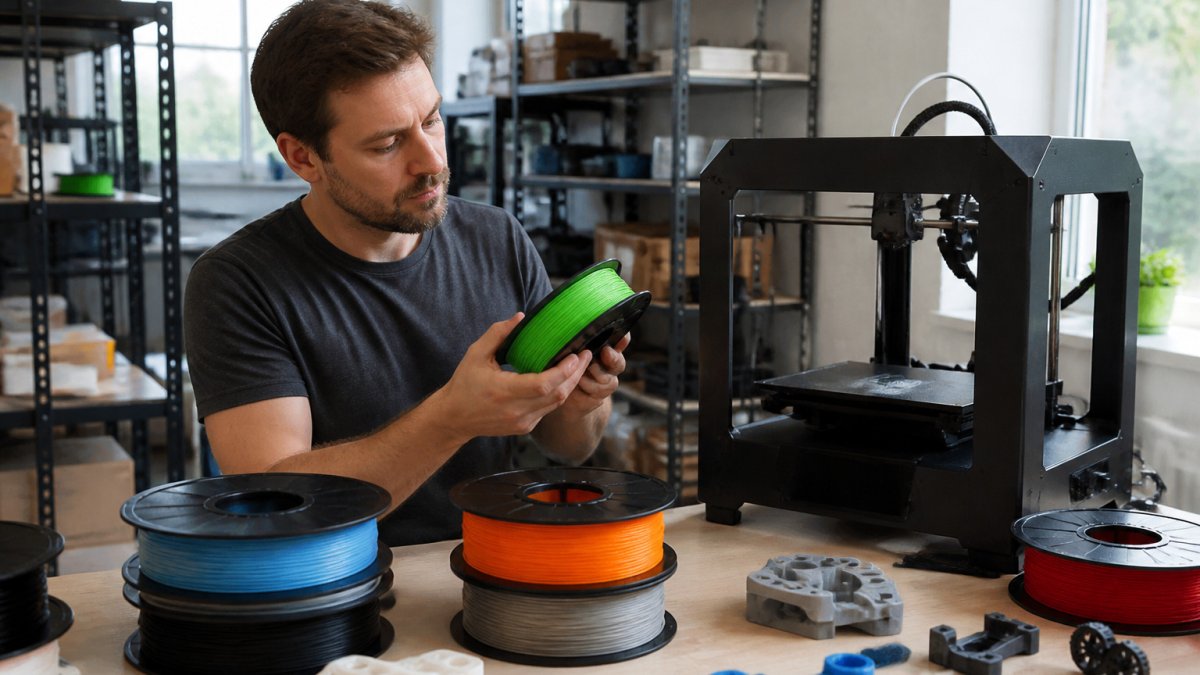
Best 3D Printer Filament Types and Uses Compared
Here is how the main filaments compare for real projects.
- Prototypes and display parts: PLA gives clean detail at low cost and low difficulty.
- Functional brackets and containers: PETG balances strength and ease of printing.
- Flexible components: TPU is the choice, but expect slower prints.
Pick the material whose strengths match your use. A part that gets handled daily needs toughness, while a shelf decoration needs only a clean finish.
Storage, Moisture, Safety and Your First-Print Checklist
Good habits protect your filament, your prints, and your health. This section covers the three things most beginner guides skip: how to store and dry filament, how to judge fume and ventilation needs, and an ordered workflow for your first print.
Storage and moisture: keep spools dry
Filament absorbs water vapor from the air. Wet filament is one of the most common causes of stringing, popping, and rough surfaces, and it is easy to misdiagnose as a temperature problem.
- Store spools sealed. Keep unused spools in an airtight container or resealable bag with desiccant packs. A dedicated dry box with a hygrometer lets you watch the internal humidity.
- Dry before printing if the spool has been exposed. Most hygroscopic filaments respond to gentle heat. A dedicated filament dryer is the most controllable option; a food dehydrator set to the filament maker's recommended drying temperature is another approach. Follow the manufacturer's drying time and temperature, PLA and PETG generally tolerate lower drying heat than some engineering materials.
- Know the signs of wet filament: popping or crackling sounds at the nozzle, visible steam, excessive stringing, rough or bubbly surface finish, and layers that delaminate or look weak. If several of these appear together after a spool sat out in humid air, dry it before changing any slicer settings.
Watch out: Drying at too high a temperature can soften or fuse a spool and ruin it. Use the filament maker's stated drying temperature, not a guess.
Safety, fumes, and ventilation
Material choice affects what you breathe, not just how the part prints.
- PLA is the lowest-odor common filament and is the usual choice for a shared room, though good general airflow is still sensible.
- PETG prints with little odor for most users.
- ABS and other styrenic materials release fumes during printing. Print them only with ventilation, an enclosure vented to the outdoors, or a well-ventilated space away from living areas.
If you cannot vent the room, rule out ABS and similar materials and stay with PLA or PETG.
First-print setup and troubleshooting workflow
Work through these steps in order. Each one isolates a variable so a failure points to a cause.
- Confirm the filament matches the printer. Check the spool's recommended nozzle and bed temperatures against your printer's maximums before loading.
- Dry the filament if it was stored in humid conditions. See the moisture signs above.
- Load the filament and check the first layer. Level the bed, clean the build plate, and start a small test print. Watch the first layer go down, most failed prints show their problem in the first five minutes.
- Run a calibration print before your real project. A temperature tower or a small calibration cube shows whether the filament prints cleanly at the temperatures you chose.
- Diagnose common first-print failures by symptom:
- Part lifts off the bed (warping): raise bed temperature slightly, clean the plate, or add a brim. ABS in a draft is the usual culprit.
- Stringing between features: lower nozzle temperature a few degrees, or dry the filament if it has been exposed.
- Poor layer adhesion: raise nozzle temperature slightly or slow the print down.
- Rough or bubbly surface: dry the filament first, then revisit temperature.
- Under-extrusion or clicking extruder: check for a partially clogged nozzle or filament that is binding on the spool.
A common mistake is changing several settings at once. Change one variable, reprint the test, and note the result.
First-print checklist
- Confirm the filament matches your printer's temperature range
- Level the bed and clean the build plate
- Dry the filament if it was stored in humid conditions
Order Your First Prototype Run From Alex 3D Print Us LLC
Once you have picked your material, you may want a professional run. You can browse our full range of printing and laser services to see what fits your project.
When your file is ready, you can upload your 3D file for a real-time quote and get a quote for the material you chose.
Upload your STL file for an instant quote.
Frequently Asked Questions
Is PLA or PETG better for beginners?
PLA is generally the better starting point. It prints at lower temperatures, sticks well to a bed without an enclosure, and produces little warping. PETG is tougher, more heat and impact resistant, and more chemically resistant, but it is more prone to stringing and can bond strongly to the build plate, so it needs more tuning. Many beginners print PLA for early test parts and move to PETG once they need functional strength or outdoor durability.
What is the easiest 3D printer filament to use?
PLA is the easiest 3D printer filament to use for most beginners. It has a low melting range, minimal warping, and forgiving bed adhesion on a standard build plate. It works on most FDM printers without an enclosure and produces clean surfaces with default slicer settings. Its main limitation is low heat resistance, so parts left in a hot car or near a heat source can deform.
Why is PLA not sticking to the bed?
The most common causes are a dirty build plate, a first layer that is too high or too fast, and a bed that is not level. Clean the surface with isopropyl alcohol, re-level the bed, and confirm the first-layer height and speed in your slicer. Using a glue stick or a textured PEI sheet also helps. If adhesion still fails, check that the bed temperature is in the range recommended by the filament manufacturer, typically around 50 to 60 degrees Celsius for PLA.
Can any filament be used in any 3D printer?
No. Most consumer FDM printers can run PLA, but higher-temperature materials such as ABS or nylon need a hotend that reaches higher temperatures, and flexible filaments like TPU need a direct-drive extruder or a slow feed setup. Check your printer's maximum nozzle temperature, whether it has a heated bed, and whether it is enclosed before buying. Filament diameter, usually 1.75 mm, must also match your printer.
