
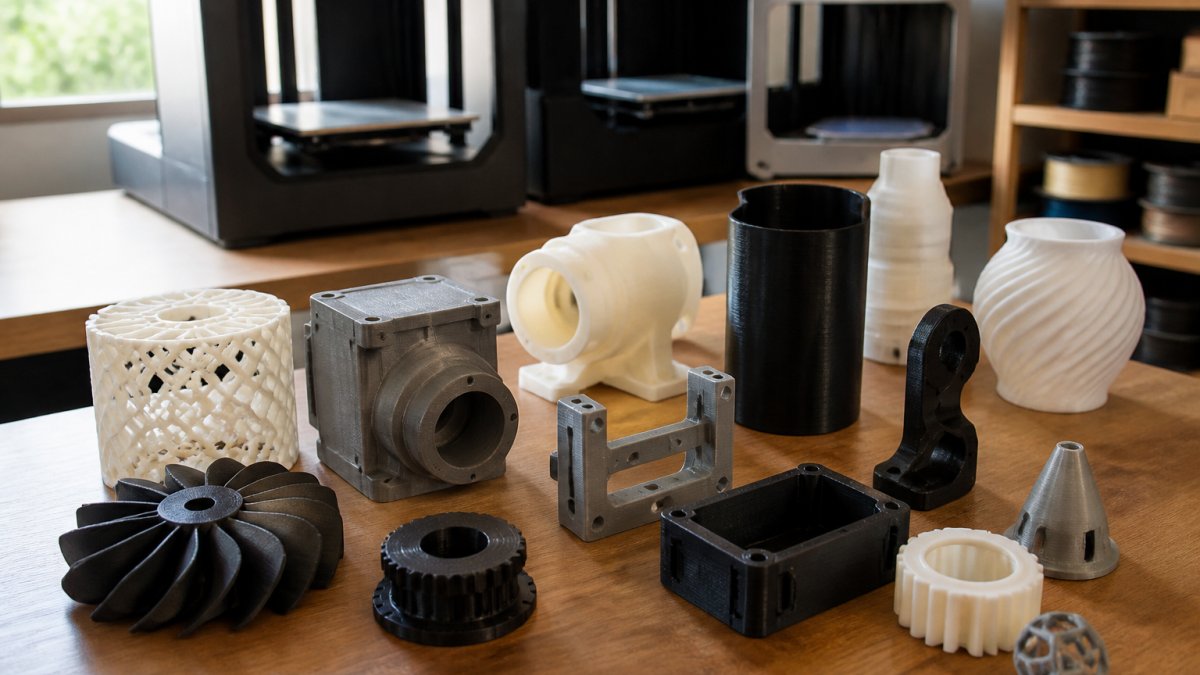
Finding Reliable 3D Printing Vendors Online: 2026 Guide
Table of Contents
- What Makes a 3D Printing Vendor Reliable
- How to Choose a 3D Printing Service That Fits Your Needs
- Understanding 3D Printing Materials for Prototypes
- Getting an Accurate 3D Printing Service Quote
- 3D Printing Turnaround Time: What's Realistic
- File Formats, Design Requirements, and Printability
- Red Flags and Common Mistakes When Selecting a Vendor
- Frequently Asked Questions
Last Updated: October 18, 2026
What Makes a 3D Printing Vendor Reliable
A reliable 3D printing vendor delivers consistent quality, meets deadlines, and communicates transparently about what's possible and what isn't.
Reliability comes down to three core factors: technical capability, quality control, and customer responsiveness. A vendor that understands your needs, whether rapid prototypes, functional parts, or branded promotional items, will catch design issues before printing, suggest material alternatives, and deliver parts that work.
The best vendors are transparent about their limitations. They won't promise turnarounds they can't deliver or claim to handle every material and technology, and they'll be honest about tolerances, surface finishes, and post-processing.
How to Choose a 3D Printing Service That Fits Your Needs
Choosing the right service starts with understanding your project requirements, then matching them against what vendors actually offer.
Define your project scope clearly: what you're printing, how many parts, what material makes sense, whether you need post-processing like painting or assembly, and your deadline. These answers narrow your options dramatically.
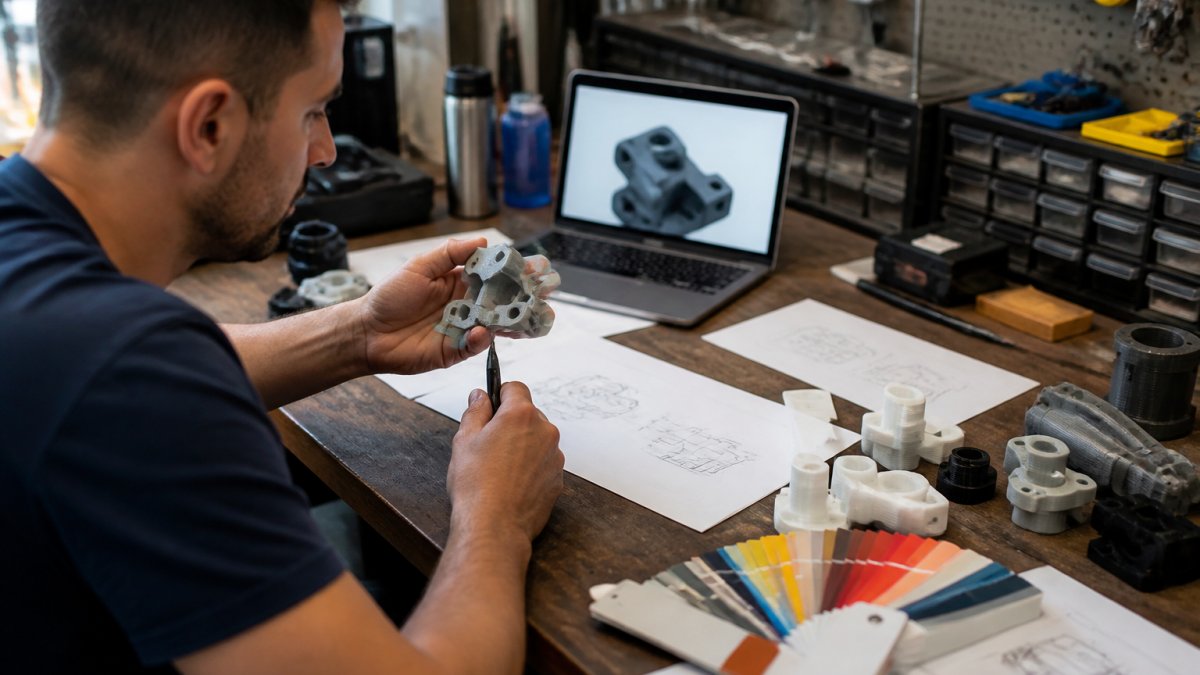
A Repeatable Vendor-Vetting Checklist
Most online vendor lists tell you what to ask; few tell you how to verify the answer. Use this checklist as a scoring sheet: for each item, record what the vendor claims, what evidence they provide, and whether that evidence is independent of their marketing. Strong claims with weak evidence are a warning sign.
1. Capability evidence, not capability claims.
- Ask for the specific printers and technologies they run (FDM, SLA, DLP, SLS, MJF, DMLS) and the build envelope for each. Listing technologies without build volumes hides capacity limits.
- Request two or three sample parts in your material and complexity range, not stock photos. If they can't provide one, treat the claim as unverified.
- Confirm accepted file formats (STL, STEP, OBJ, 3MF) and whether they run automated mesh validation before quoting.
2. Policy evidence.
- Get the reprint and refund policy in writing: what counts as a defect, who pays return shipping on a failed print, and how many revision cycles are included.
- Ask about file retention and deletion, whether they keep your CAD files, for how long, and whether you can request deletion.
- Confirm minimum order quantities and setup fees in writing. A vendor that quotes per-part but adds a setup charge at checkout is not transparent.
3. Communication evidence.
- Send a pre-sales question with a specific technical detail (a tolerance, a wall thickness, a material trade-off) and time the response. A fast, specific, correct answer demonstrates the responsiveness you'll need when a print fails.
- Ask who your point of contact will be and whether they are an engineer or a sales rep.
4. Independent verification.
- Read recent reviews on third-party platforms, not just testimonials on the vendor's site. Look for patterns in complaints (late delivery, dimensional drift, poor communication) rather than one-off bad reviews.
- Ask for references from customers in your industry or with similar part complexity. A vendor that can't produce a reference in your segment may not have the experience you're paying for.
- Check whether the vendor holds any relevant certifications or quality management registrations. ASTM International standards for additive manufacturing provide a public reference point for what a credible quality process looks like.
Matching Vendor Type to Project Scale
Not every reliable vendor is reliable for every job. Match the provider to the production stage:
- Prototypes and one-offs: Prioritize speed, design feedback, and low minimums. A vendor that flags printability issues before charging beats a cheaper one that prints whatever you send.
- Functional and end-use parts: Prioritize material certification, dimensional tolerances, and quality documentation. Ask for inspection reports and confirm the material datasheet matches your application.
- Large-format parts: Confirm the build envelope fits your part without splitting, and ask how they handle warp and support removal.
- Repeat production: Prioritize consistency, capacity, and a named account contact. Ask how they handle reorders and whether they retain your print setup.
A vendor excellent for prototypes may be a poor fit for repeat production, and vice versa. Apply the checklist with your project stage in mind.
Understanding 3D Printing Materials for Prototypes
The material you choose affects cost, strength, appearance, and functionality. For prototypes, the decision depends on what you're testing: form factor, mechanical properties, or a visual mockup.
Common prototype materials include standard resin for visual mockups, nylon for flexible functional parts, and rigid resins or carbon-filled materials for parts under stress. Each has different costs, lead times, and post-processing.
A good vendor will help you think through material choice, asking about your end use and recommending options from experience. They won't upsell the most expensive material, they'll suggest what solves your problem at the best price point.
Getting an Accurate 3D Printing Service Quote
Quotes from different vendors often vary wildly for the same project. Understanding what drives those differences helps you compare apples to apples and spot red flags. The goal is not the lowest quote but the most complete one, incomplete quotes are where budget overruns hide.
What Affects Your Total Cost
Multiple factors influence the final price beyond material and machine time:
- Part geometry and complexity: Intricate designs cost more because they require slower print speeds or more careful post-processing.
- Orientation and support structure: How the vendor positions your part affects material waste and print time. Smart orientation saves money.
- Build volume efficiency: Small parts may be nested with other jobs to spread costs; larger parts use more of the build platform.
- Post-processing requirements: Cleaning, curing, sanding, painting, or assembly all add cost. Some vendors include this; others charge separately.
- Material selection: Standard materials cost less than specialty options like high-temperature resins or carbon-filled nylons.
- Turnaround time: Rush orders cost more; standard lead times are cheaper.
- Minimum order fees or setup charges: Some vendors add fixed charges regardless of part size.
Building a Comparable Total-Cost Estimate
A per-part price is not a total cost. To compare vendors fairly, build a line-item estimate for each quote using the same categories, then compare line by line.
| Cost Line | What to Ask | Why It Changes the Comparison |
|---|---|---|
| Per-part price | Unit price at your quantity, plus volume break points | Reveals whether the vendor discounts at your order size |
| Setup or minimum charge | Fixed fee per order or per file | Can dominate the cost on small orders |
| Material surcharge | Any upcharge for specialty or out-of-stock material | Often omitted from initial quotes |
| Post-processing | Included or itemized (cleaning, curing, support removal, finishing) | A major hidden cost driver |
| Inspection or documentation | Fee for dimensional reports or certificates | Required for regulated or functional parts |
| Shipping | Carrier, service level, and whether insurance is included | Can vary more than the part price on small orders |
| Taxes and duties | Whether sales tax is included in the quote | Frequently added at checkout |
| Rush fee | Percentage or flat fee for compressed lead time | Can double the effective price |
Verifying That a Quote Is Complete
When you get quotes, ask vendors to break down their pricing: what's included in the base price, what's extra, and whether there are setup fees, material surcharges, or rush fees.
Request quotes for the same part from at least two vendors. If one is significantly lower, ask why, sometimes it's efficiency, sometimes it's cutting corners.
Three specific verification questions separate a complete quote from a marketing number:
- "Is this the total I will be charged, including shipping and tax, for this quantity and this lead time?" If the answer is no, ask for the all-in number in writing.
- "What is not included in this quote?" Vendors who answer this directly are telling you where the overruns would come from.
- "What happens to the price if the part fails inspection or needs a reprint?" A quote that doesn't address reprint cost is incomplete for any functional part.
Comparing Quotes Transparently
Use the same part file, quantity, material, and lead time across every vendor you compare. Changing any one variable, especially lead time, invalidates the comparison. Record the quote date too, because pricing and capacity change.
Upload your STL file for an instant quote →
The cheapest quote on a simple part is often not the cheapest on a complex one, because setup fees and post-processing charges scale differently. Compare at your actual order size.
3D Printing Turnaround Time: What's Realistic
Turnaround expectations vary with vendor capacity, material, and complexity. Standard lead times typically range from 5-10 business days for straightforward parts; rush orders can compress this to 2-3 days at a premium.
Understand what "turnaround time" means. Some vendors quote print time only, which is misleading, actual order-to-delivery time includes cleaning, curing, finishing, inspection, and logistics.
When a vendor promises a specific turnaround, ask about their current queue. If they're backed up three weeks, they can't deliver a 5-day turnaround no matter what they say. Reliable vendors are honest about capacity.
File Formats, Design Requirements, and Printability
Before sending files, confirm the vendor accepts your format. Most work with STL, the industry standard, though some accept STEP, OBJ, or other CAD formats.
File validation matters.
Ask about design requirements for your specific technology. FDM has different rules than SLA or SLS for wall thickness, bridge length, and supports.
If you're unsure whether your design is printable, ask for feedback before ordering. Good vendors identify potential issues and suggest fixes at no cost.
Red Flags and Common Mistakes When Selecting a Vendor
Watch for these warning signs when evaluating vendors:
Vague communication: If a vendor won't clearly answer questions or redirects you to a generic website, move on.
No quality examples: If they can't show work in your material or complexity range, they may lack the experience.
Unrealistic promises: Anyone promising 24-hour turnaround on complex parts, or claiming they can print any design without modification, is overselling.
Hidden fees: If the initial quote balloons with add-ons, they're not transparent about pricing. Get everything in writing.
No revision policy: Prototyping involves iteration.
Minimal communication: If you can only reach them via a contact form and responses take days, you'll struggle when problems arise.
No design support: Some vendors just print whatever you send.
Selecting a reliable 3D printing vendor means looking beyond price and promises. According to the American Society for Testing and Materials standards on 3D printing, quality control and material certification are critical factors in vendor selection.
Frequently Asked Questions
What should I look for when choosing a 3D printing vendor?
Evaluate vendors on five core criteria: production technology (FDM, SLA, SLS), material options available, dimensional accuracy and tolerances they guarantee, turnaround time capabilities, and quality assurance processes. Check customer reviews for consistency, ask about their file validation process, and confirm they can handle your specific design requirements. Request sample prints or references from similar projects before committing.
How do I know if a 3D printing service quote is fair and transparent?
A transparent quote should itemize costs separately: per-unit printing, material, post-processing, and shipping. Ask what's included in the base price and what costs extra. Compare quotes from multiple vendors using identical files and specifications. Be cautious of quotes that seem unusually low, they may indicate hidden setup fees or lower quality standards. Request a breakdown of turnaround time and any rush fees upfront.
What file formats do most 3D printing services accept?
STL (Stereolithography) files are the industry standard for 3D printing services. Most vendors also accept OBJ, STEP, and IGES formats. Before uploading, confirm your CAD software can export to these formats. Many services offer file validation, they'll check your design for printability issues like thin walls, unsupported overhangs, or tolerance problems. If you're unsure about your file, ask the vendor if they provide design review or can suggest modifications.
How long does online 3D printing typically take?
Standard turnaround is 5-10 business days from file approval to shipment, depending on complexity and current queue. Rush options typically compress this to 2-3 days but cost significantly more. Factors affecting turnaround include print size, material choice, post-processing requirements, and the vendor's current workload. Always confirm the specific timeline for your project in writing, and ask whether holidays or weekends affect delivery dates.